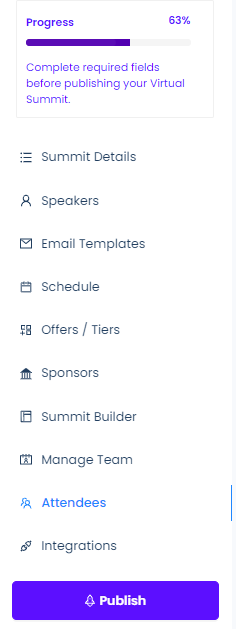
1. Go to the Attendees menu within the left side of the Summit tools menu.
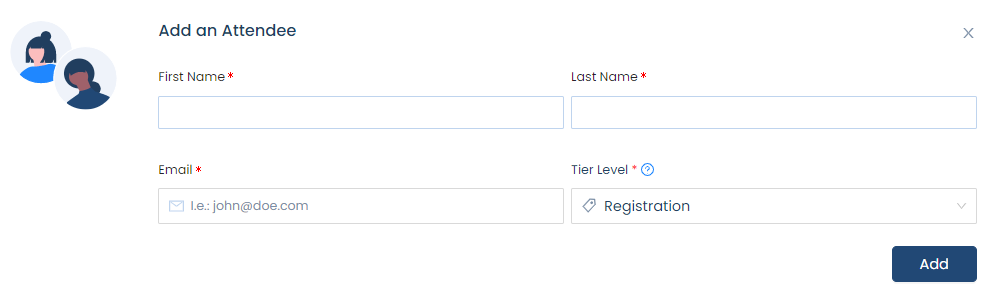
2. Click on "Add Attendee" and +New Attendee.
3. Fill out all the information and save.
The new attendee has been created.