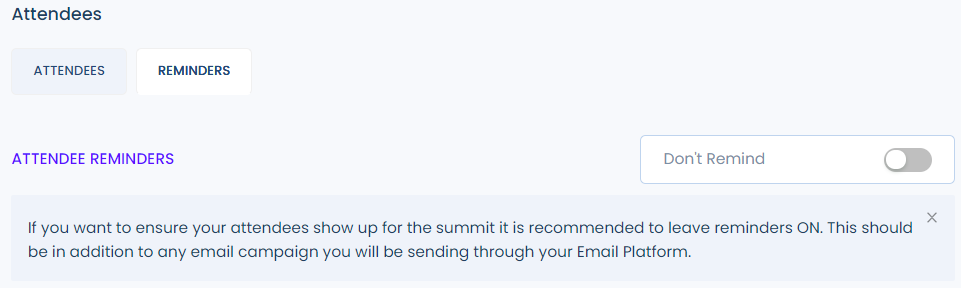
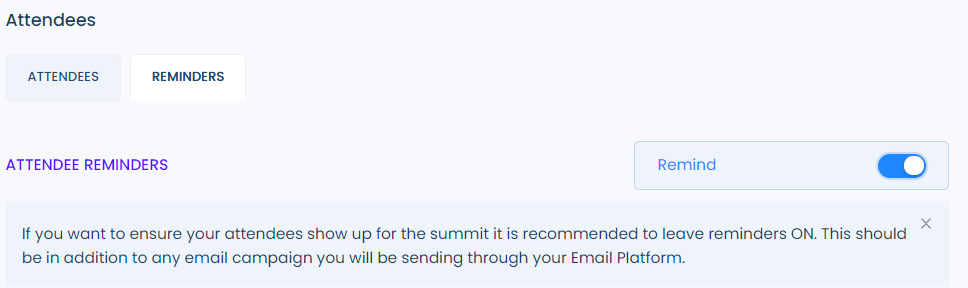
We recommend having this option toggled on if you want to ensure that your attendees show up for the Summit in a more professional way. This will allow you to have the system remind them via email based on the registration list you'll be getting.
This is a great way to automate your Summit. To do this:
1. Go to the Attendees main menu at the left side.
2. Go to reminders and toggle the "Don't Remind" button.
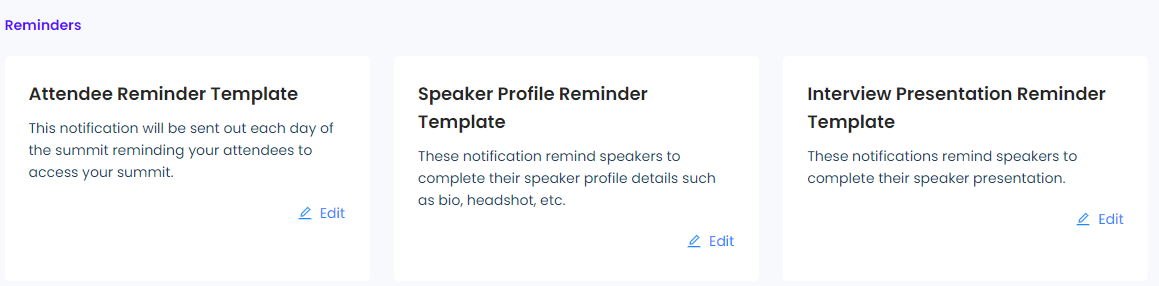
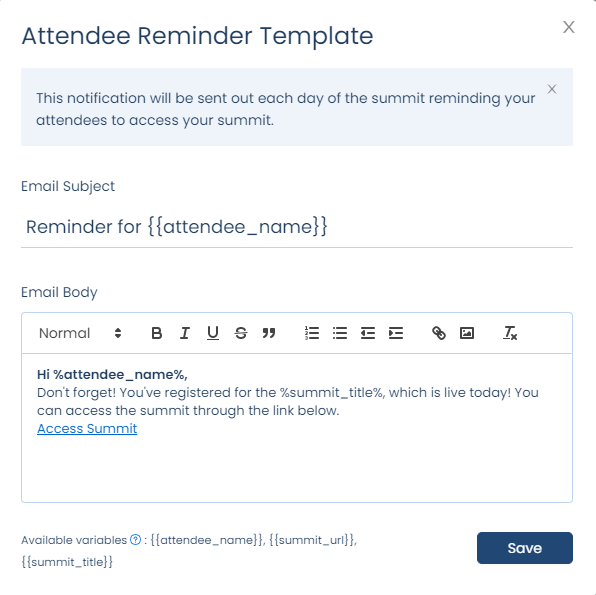
Note: Make sure to edit the Email Templates to make a more personalised email. You always want your attendees to feel you're directly talking to them in every message.
These can be adjusted. Please be very careful when changing the pre-populated merger code. The software uses this to populate the information needed.