Cloning your summit has never been easier.
Question: Why would you clone a summit?
Answer: You want to utilize the already built summit design for another summit - simply tweak the name, content and the speakers.
Watch the video tutorial:
Step By Step Screenshot Tutorial:
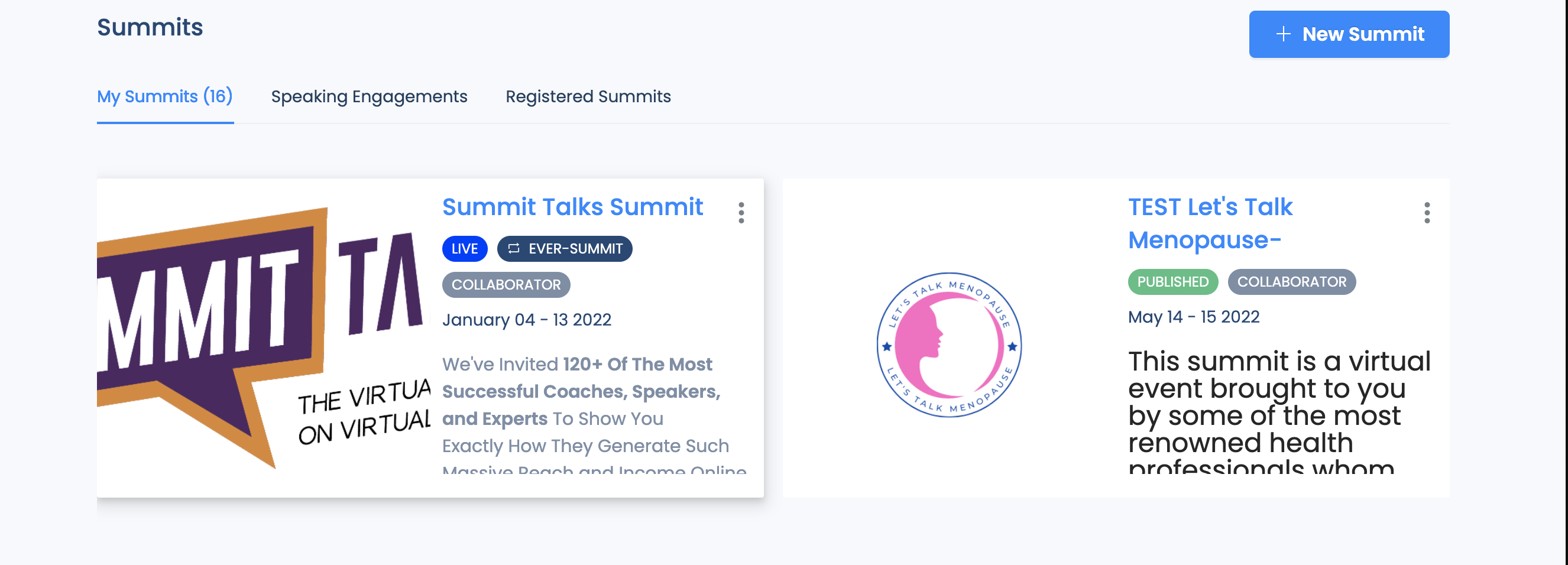
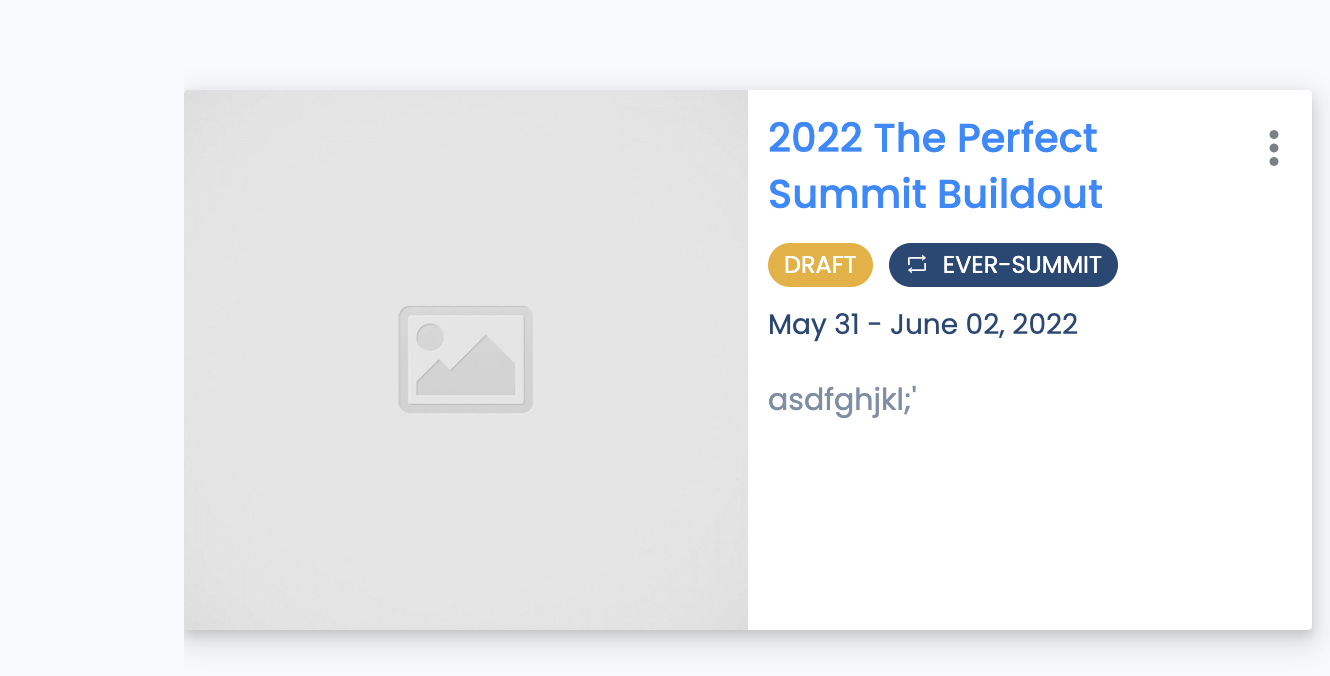
2. Select the summit you want to clone:
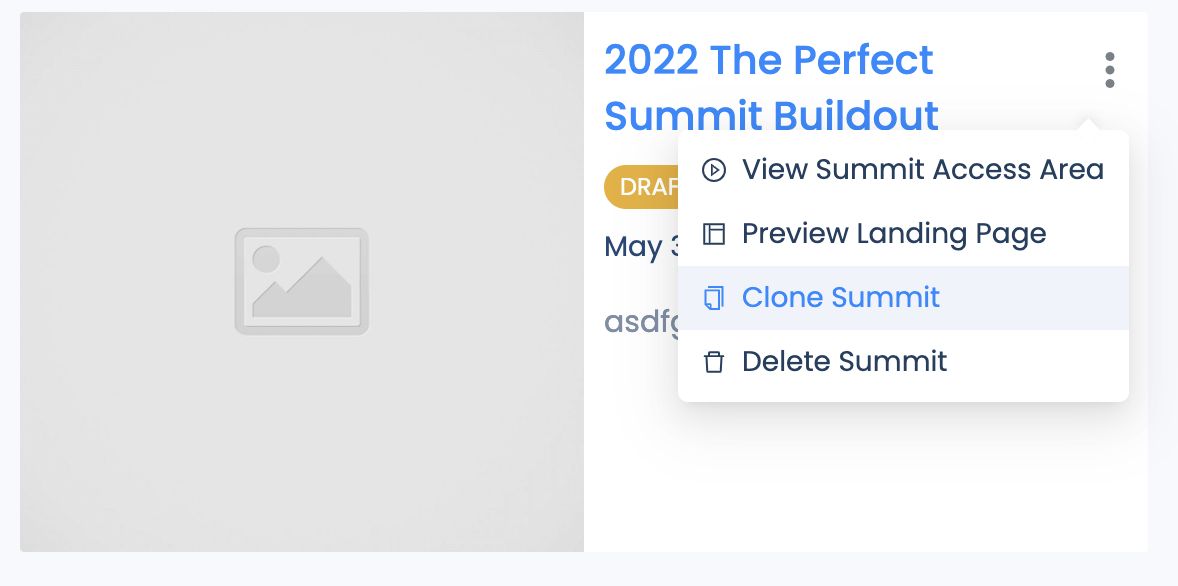
3. Select Clone:
4. Determine if you want to clone all features or select the features that you want to clone:
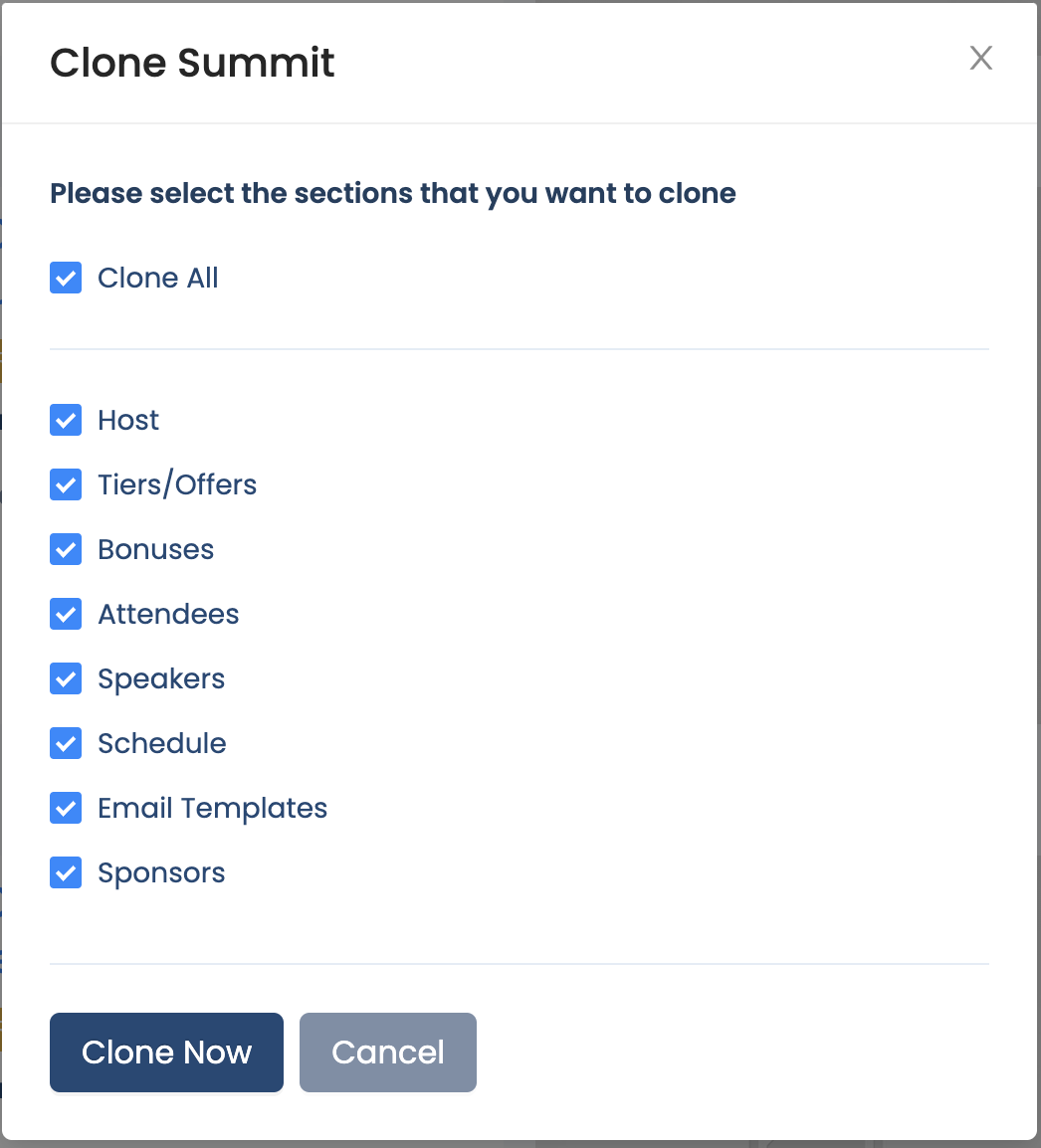
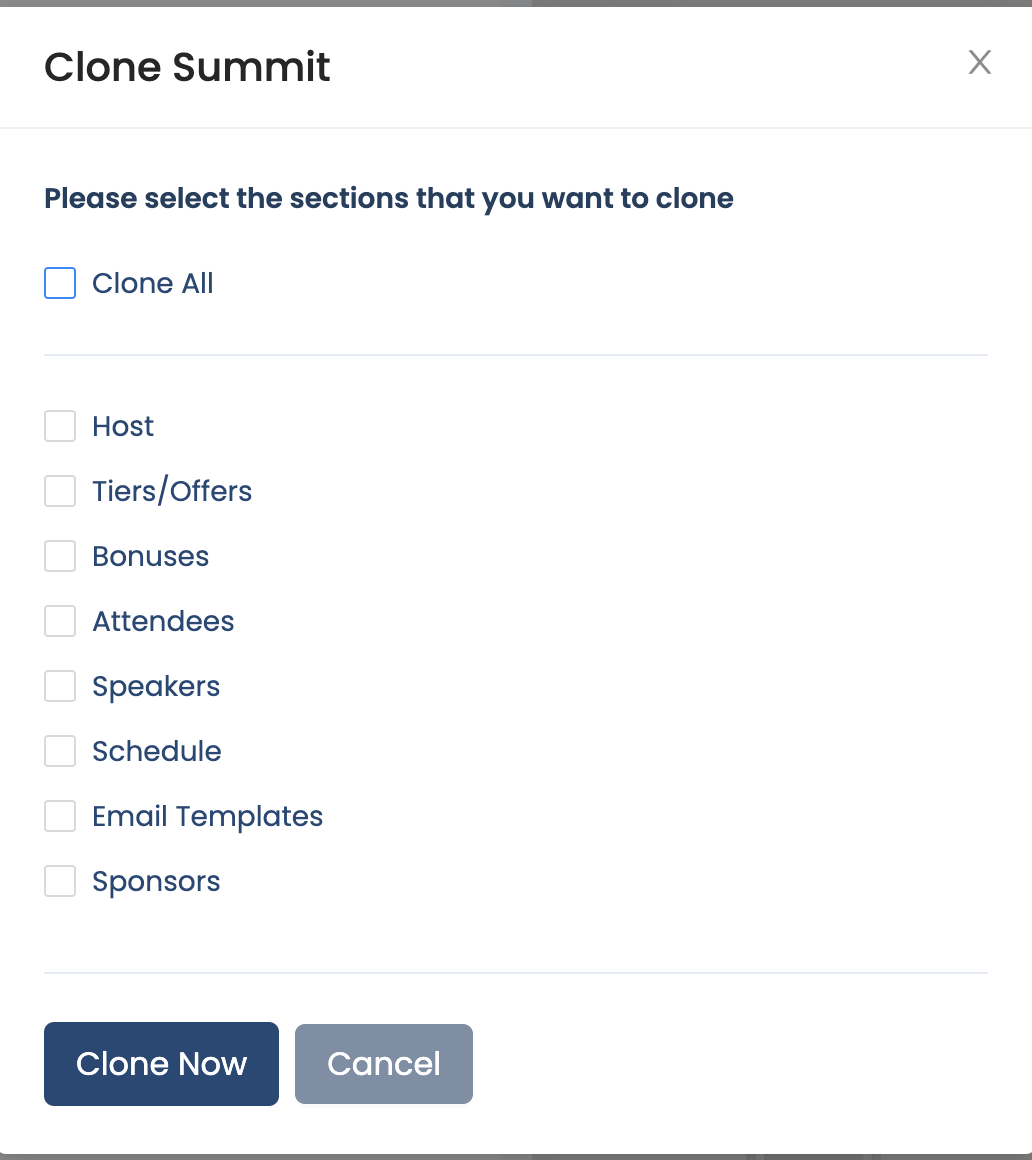
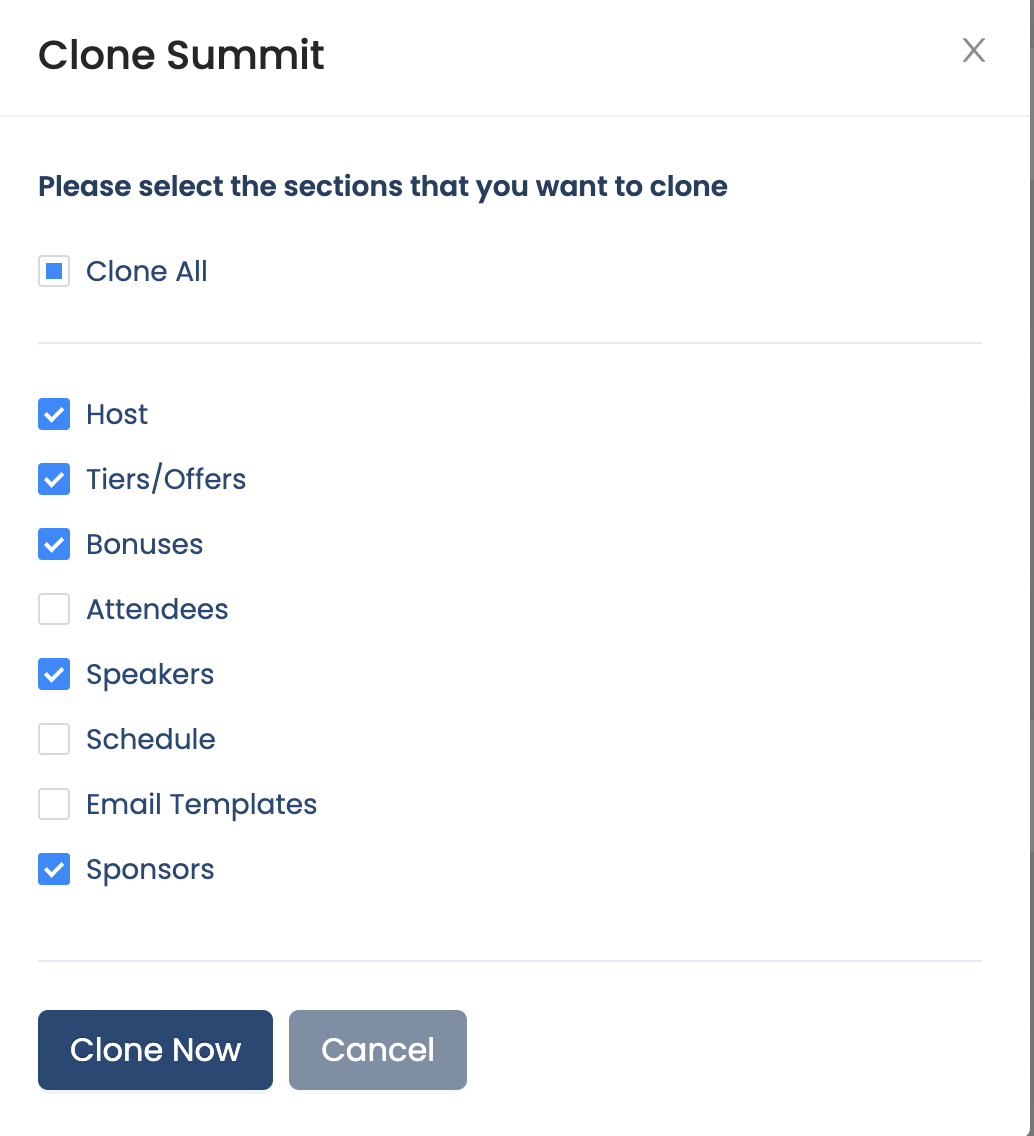
5. Select the “Clone Now” Button at the bottom and you will see your cloned summit in your dashboard:
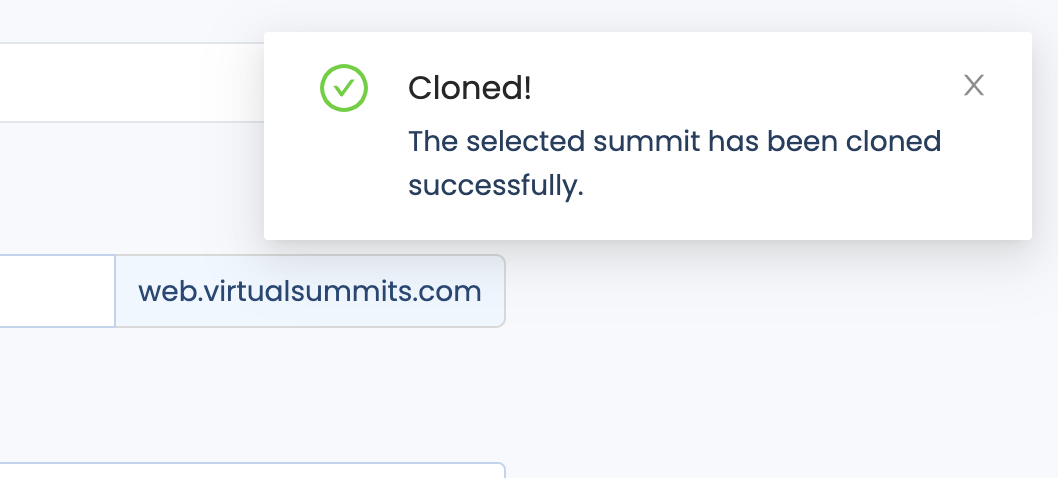
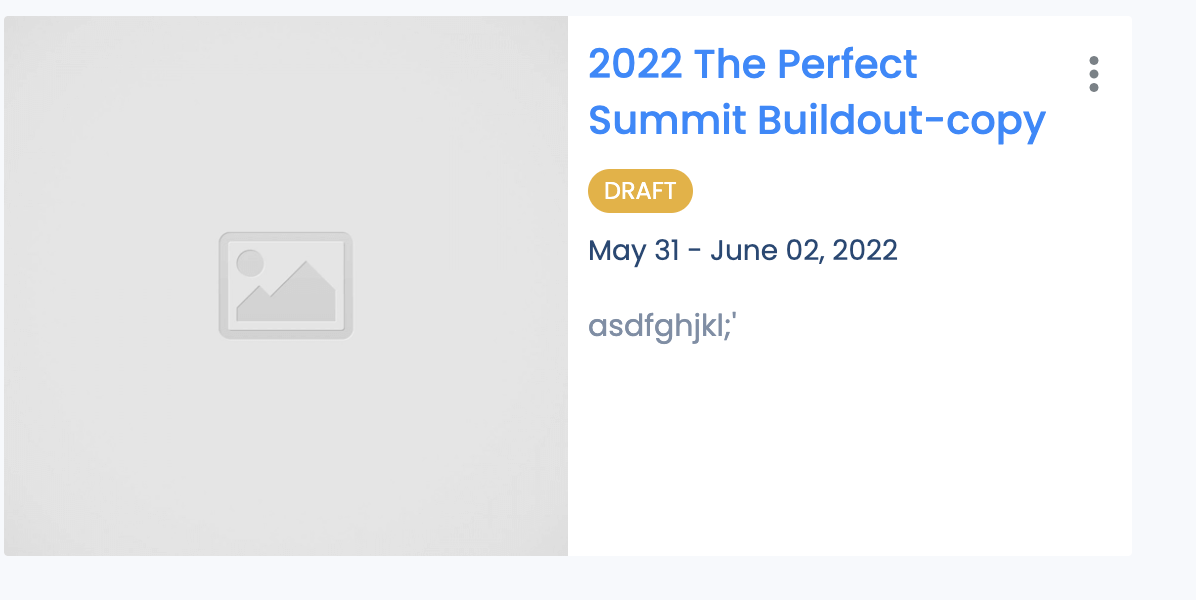
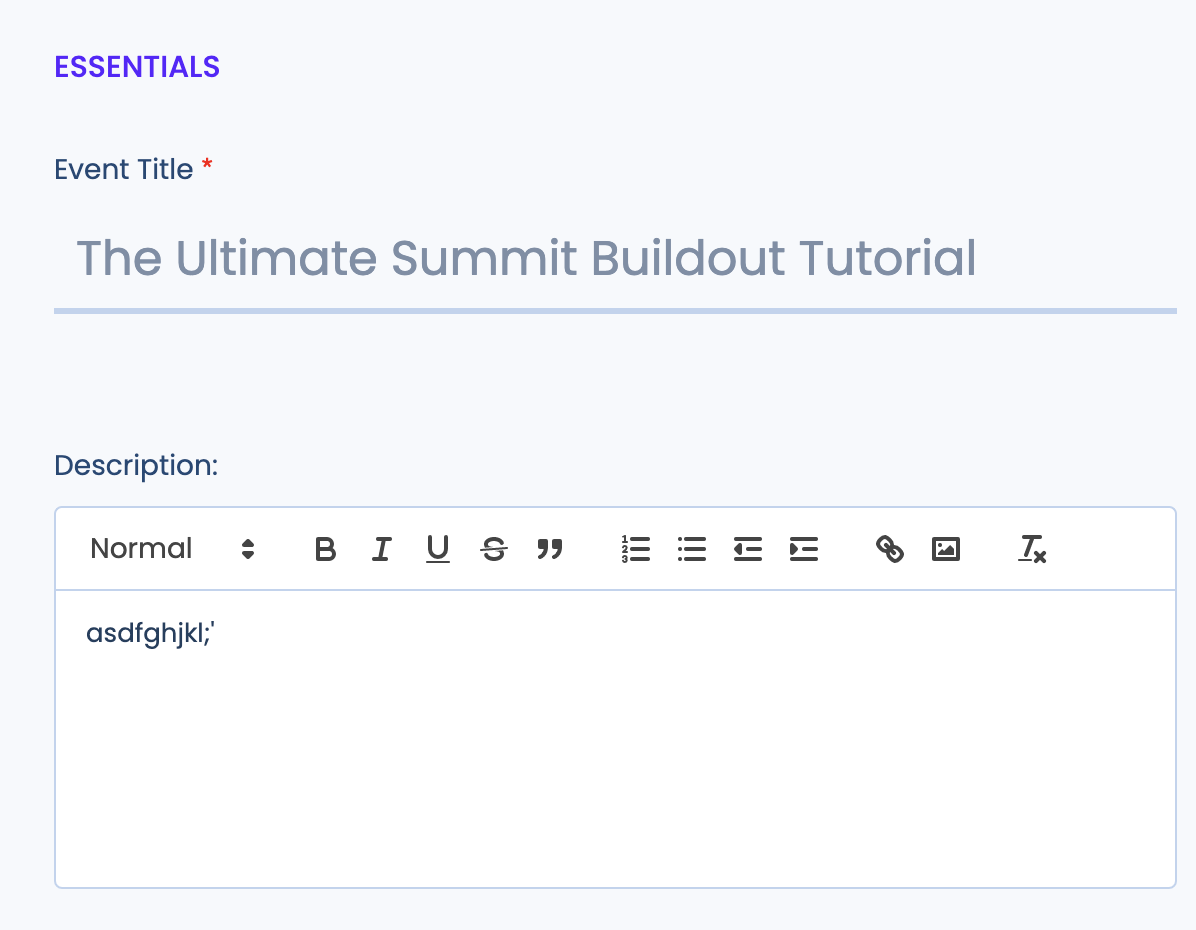
6. Change your title to reflect the new summit you are creating: