2. Click on "Bonuses"
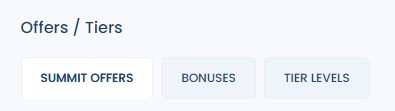
In this section you can add bonuses to your attendees. This can be added to a particular Tier or to all Tiers. You can even grant these bonuses to all your attendees even if they're on a free level.
1. Go to the Offers / Tiers section at the left side of the screen.
2. Click on "Bonuses"
3. Click on "Add A Bonus"
4. Fill out the fields and click on "Add"
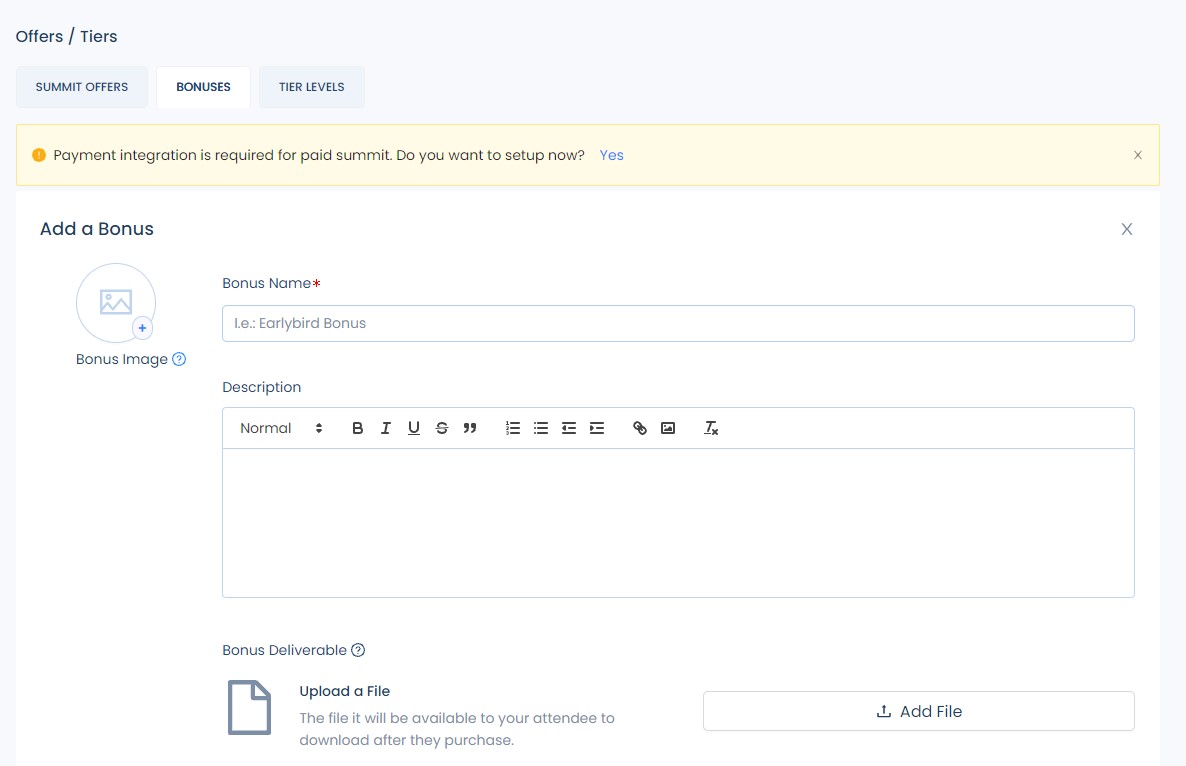
Note that you can add videos, images, pdfs, etc. The customers will be able to download them.